FIELD TEST • GOPRO • INSTA360 • DJI • HDR
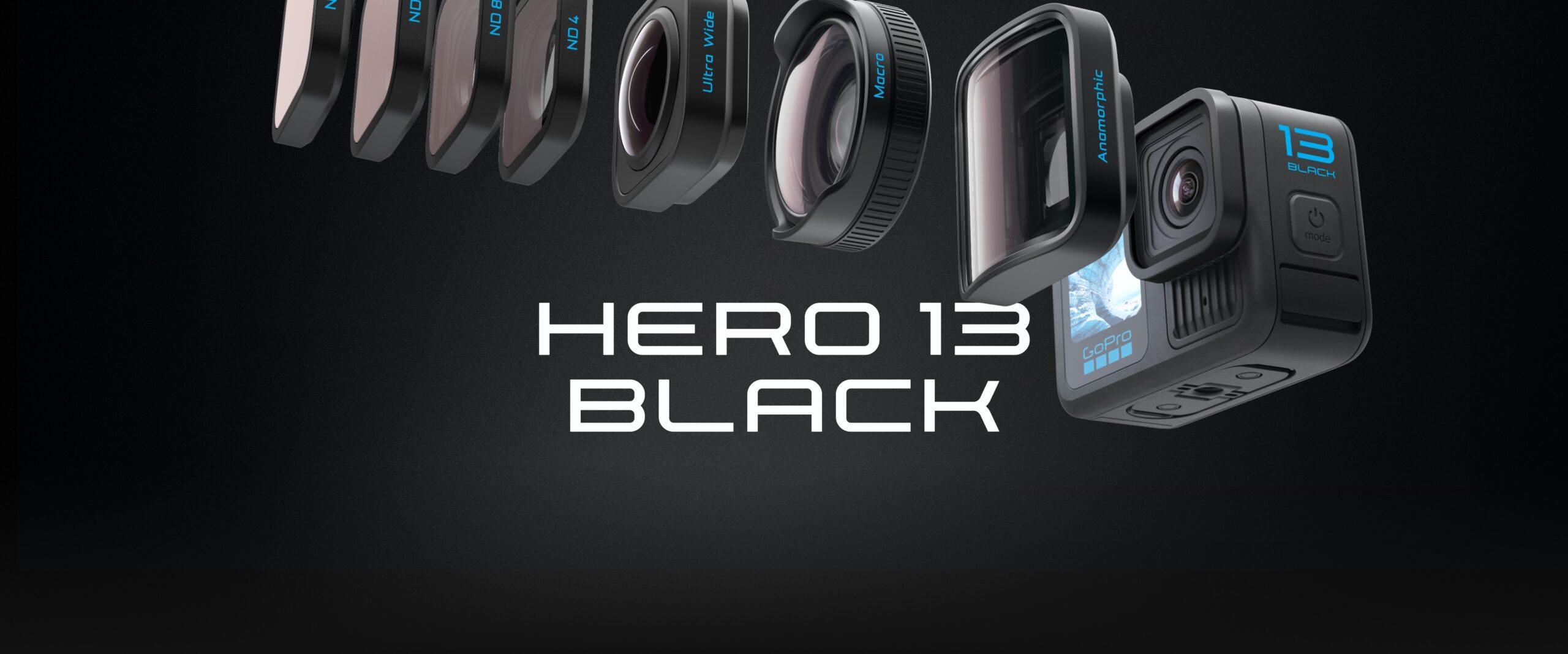
Which action camera produces the most believable HDR image? After comparing footage from GoPro HERO13 Black, Insta360 X5 and DJI Osmo Action 5 Pro, our answer is not the one a specification sheet alone would give. In our test footage, GoPro produced the HDR image we found the most natural, restrained and faithful to the scene.
Insta360 X5 often produced the more immediately spectacular image, but to our eyes its Active HDR looked more processed and less neutral. DJI Action 5 Pro has excellent specifications on paper, including a claimed dynamic range of up to 13.5 stops and 10-bit HLG/D-Log M modes, yet its finished HDR/HLG rendering did not convince us as much as GoPro in the footage we tested.
This is an editorial field-test verdict, not a laboratory measurement of sensor dynamic range. We are judging the character of the rendered image: whether highlights, shadows, contrast and color feel coherent and believable before a heavy grade.
Our HDR verdict: GoPro looks the most honest
| Camera / mode | Our field-test impression | Best description |
|---|---|---|
| GoPro HERO13 Black — HLG HDR | Our favorite | Most natural and believable; the image feels the least eager to impress us |
| Insta360 X5 — Active HDR | Very attractive, but more processed | Punchier and more computational-looking; impressive at first glance, less neutral as a reference |
| DJI Osmo Action 5 Pro — HLG/HDR | Capable, but less convincing in our footage | Strong specifications, yet the finished HDR look did not reach the same natural balance for us |
If we had to choose one camera’s HDR output as the visual reference for a mixed-camera project, we would start from GoPro and match the other cameras toward it.
What do we mean by “natural” or “honest” HDR?
We are not using “honest” as a scientific unit. It describes how little the image seems to call attention to the processing itself.
For us, convincing action-camera HDR should preserve:
- a believable relationship between sky, subject and shadows;
- highlight detail without making the entire frame look compressed;
- shadow information without aggressively lifting every dark area;
- skin, vegetation and neutral surfaces without unnecessary color exaggeration;
- local contrast that still resembles the real scene;
- smooth transitions as the camera moves between sun and shade.
A technically wider dynamic range is useful. But more visible processing is not automatically more truthful HDR.
1. GoPro HERO13 Black: the HDR image we trust most
GoPro officially describes HERO13 Black’s HLG mode as industry-standard HLG HDR and records it in 10-bit color. The camera also offers GP-Log for a separate grading-oriented workflow.
In our comparison footage, GoPro’s HLG rendering was the easiest for us to believe. The image did not constantly advertise that an HDR algorithm was working. Highlights and shadows felt like parts of the same scene rather than two separately optimized zones.
What we liked most was not maximum “wow.” It was restraint.
- The image felt comparatively neutral.
- Contrast remained readable without looking artificially flattened.
- Color looked rich without constantly pulling attention away from the subject.
- The result gave us a good baseline for later grading instead of forcing us to undo a strong baked-in style first.
Our conclusion: among the three tested cameras, GoPro gave us the most truthful-looking starting point for HDR editing.
2. Insta360 X5 Active HDR: more spectacular, less neutral
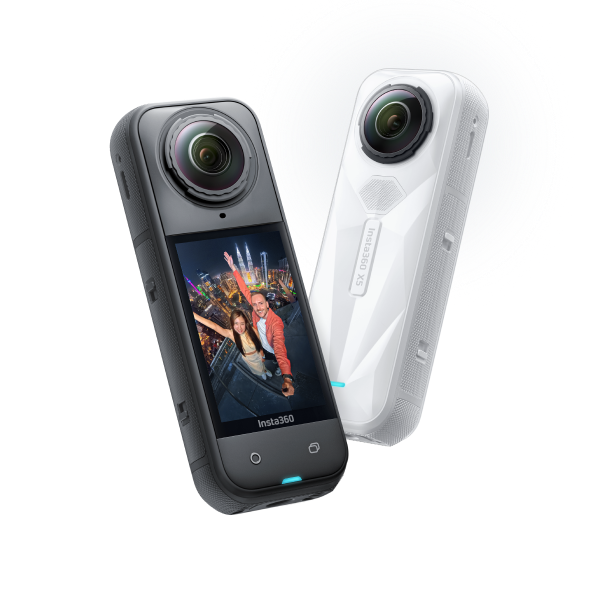
Insta360 X5 is technically impressive. Insta360 states that X5 reaches up to 13.5 stops of maximum dynamic range, and its 5.7K60 Active HDR mode is designed to retain detail and color in highlights and shadows. The camera also uses technologies such as AdaptiveTone to balance light, color and contrast.
That is exactly why this comparison is interesting.
In our footage, the X5 often made the scene look immediately attractive—but we noticed the processing sooner. The result could feel as though the camera was trying harder to balance and beautify the whole frame.
For social clips or footage that should look finished with almost no grading, that can be a strength. A punchier result is not a defect.
But when we ask a different question—which image looks closest to a neutral, believable starting point?—we prefer GoPro.
We would describe Insta360 this way: more spectacular out of the camera, less “honest” as our reference image.
3. DJI Osmo Action 5 Pro: excellent specifications, but HDR did not reach GoPro for us
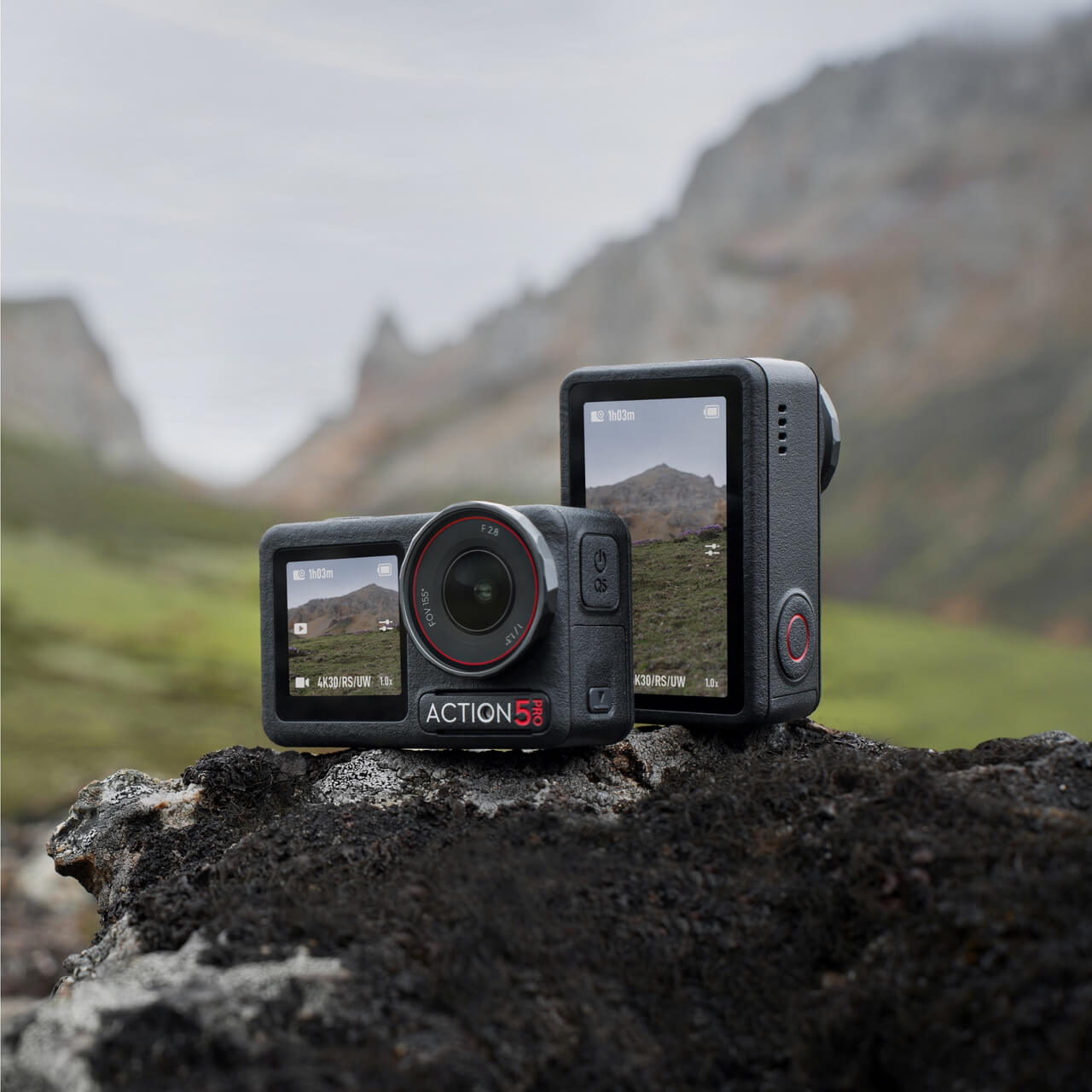
On paper, DJI should be extremely competitive. DJI specifies a next-generation 1/1.3-inch sensor with up to 13.5 stops of dynamic range, plus 10-bit D-Log M and HLG color modes.
We do not dispute those specifications.
Our criticism is narrower: the finished HDR/HLG image in our test footage simply did not give us the same confidence as GoPro’s HLG rendering.
This is also why we would not write “DJI has bad dynamic range.” That would be a different claim and our test does not establish it. Sensor capability, Log latitude and the character of an in-camera HDR rendering are related, but they are not identical things.
For DJI footage that we intend to grade carefully, D-Log M may actually be the more interesting route. DJI supplies an official D-Log M-to-Rec.709 LUT, and a controlled Log workflow gives the editor more responsibility for the final look instead of asking the camera’s HDR rendering to make every decision.
Our conclusion: DJI is capable, but in our HDR comparison it finished behind GoPro, and we preferred the visual balance of GoPro’s result.
Dynamic-range numbers do not tell you which HDR image you will prefer
This comparison is a good reminder that a claimed number of stops does not predict the exact character of the final image.
Insta360 X5 and DJI Action 5 Pro both advertise very strong dynamic-range capabilities. Yet the camera also has to decide how that captured information becomes an image:
- how aggressively shadows are opened;
- how highlights roll off;
- how local contrast is preserved;
- how saturation changes across brightness levels;
- how much computational balancing is applied;
- how the result changes from frame to frame during motion.
Those decisions strongly affect whether HDR looks realistic, cinematic, punchy, artificial—or simply different.
Without access to the manufacturers’ internal image-processing pipelines, we do not claim to know exactly which algorithm causes each difference. We judge the output we can actually see and edit.
How we would match GoPro, Insta360 and DJI in VSDC
The cameras do not have to look identical out of the camera. The editor’s job is to create a consistent project.
VSDC is particularly useful here because it combines HDR handling with the same core grading language used in professional color workflows: scopes, Lift/Gamma/Gain, curves, saturation control, LUTs and HDR tone-mapping tools.
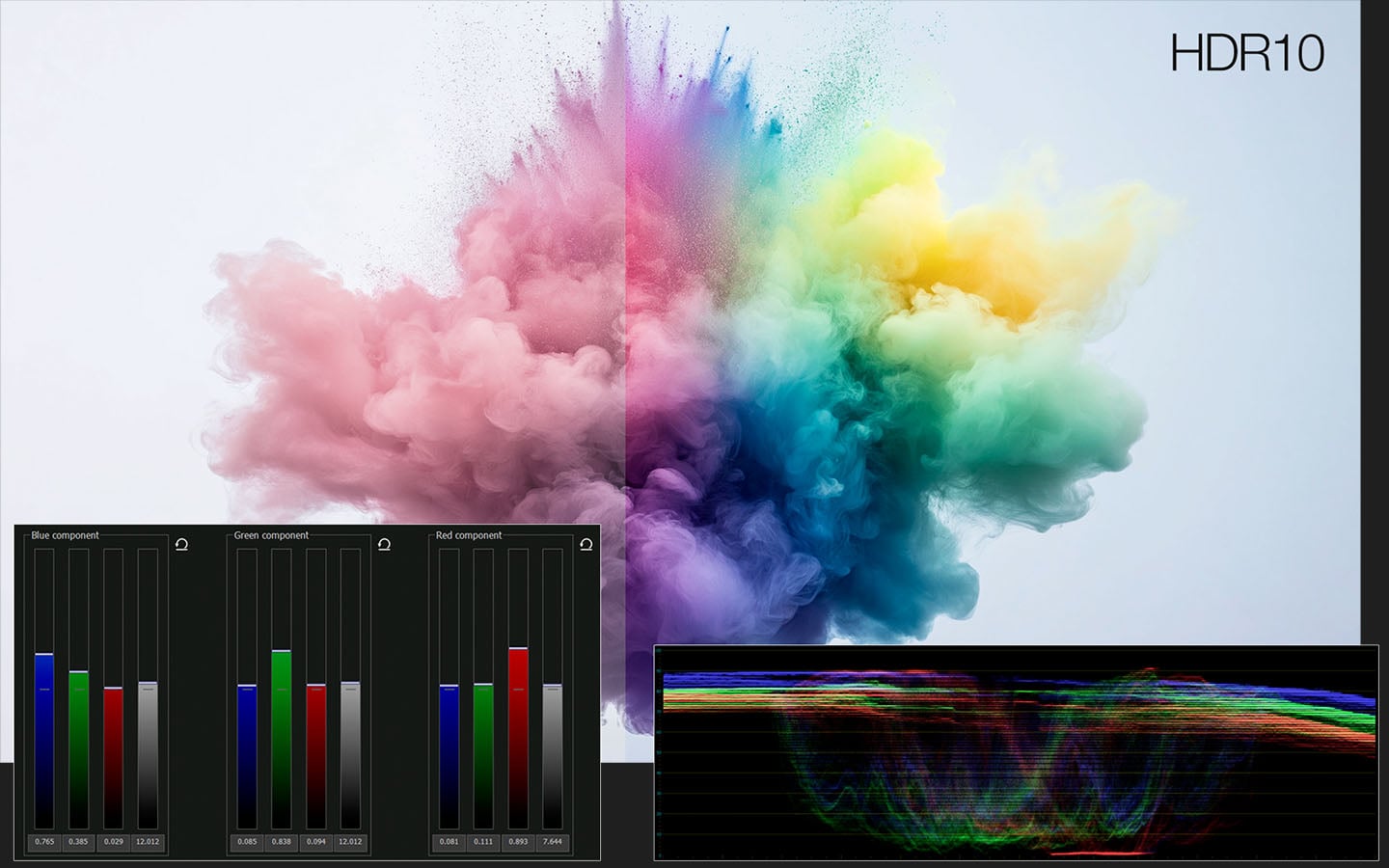
Our matching order
- Choose a reference camera. For this test, we would use GoPro HLG.
- Normalize every source correctly before creative grading.
- Match overall exposure and white balance.
- Compare highlight roll-off and black level on scopes.
- Bring saturation into the same family.
- Use Lift/Gamma/Gain and curves for the remaining tonal differences.
- Only after the cameras match technically, apply the shared creative look.
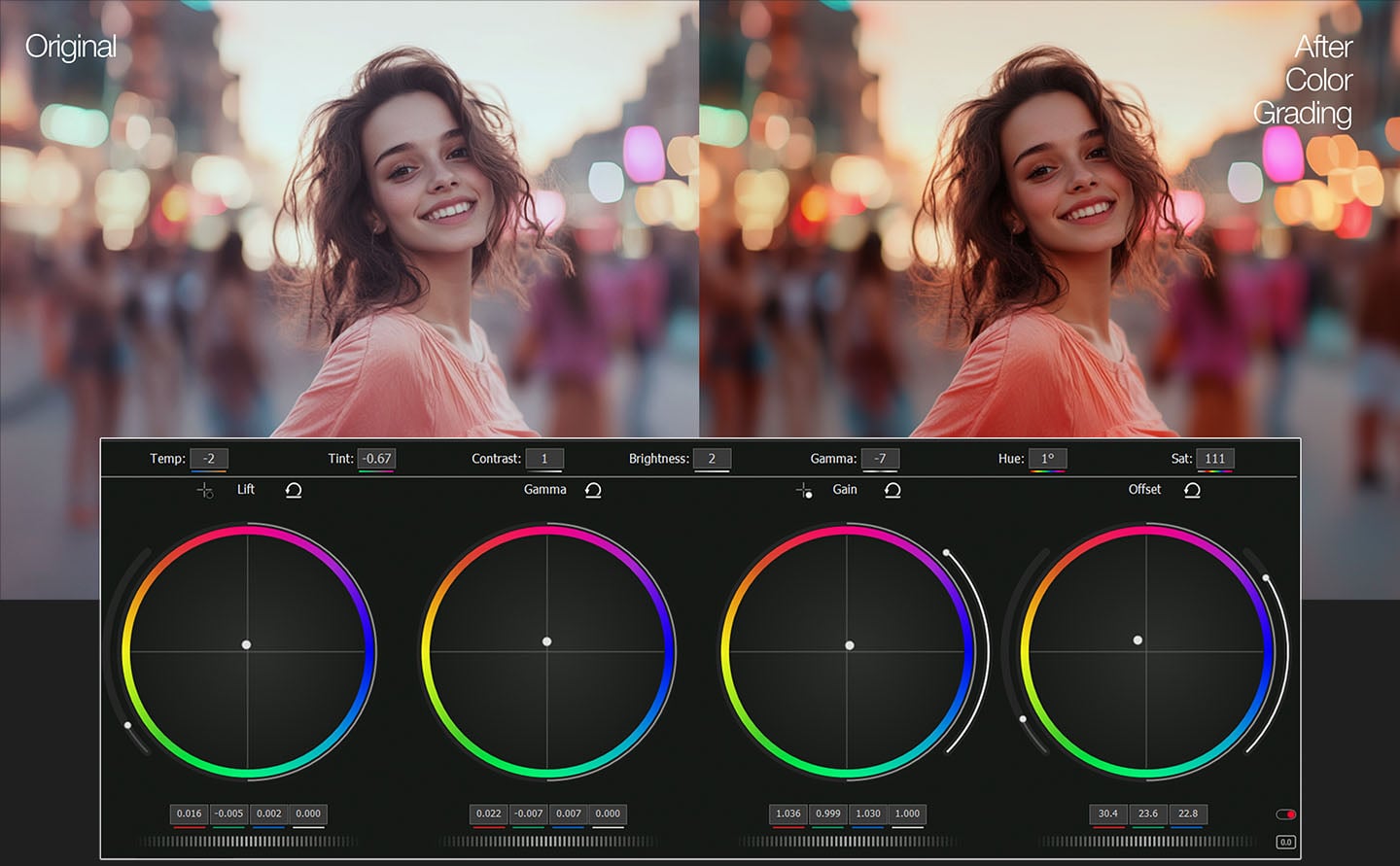
For Insta360 footage, our first instinct would often be to reduce the feeling of processing rather than add more: check saturation, local contrast and highlight/shadow balance before applying a creative LUT.
For DJI, we would first make sure we are comparing equivalent transforms. If D-Log M is involved, normalize it correctly before judging its color against GoPro HLG.
This is also where VSDC’s increasingly professional grading workflow matters. The Lift/Gamma/Gain logic and scopes are familiar to Resolve users, but VSDC keeps the workflow comparatively light on Windows. For action-camera projects with multiple formats, HDR and proxies, that efficiency can be more valuable than adding another layer of complexity.
Why we would use GoPro as the reference camera in a mixed HDR edit
When several cameras disagree, you need a visual target.
Based on our current test footage, GoPro is the easiest choice because its HLG result requires the least psychological adjustment from us. We do not first think “HDR effect.” We see the scene.
That makes it useful as the baseline:
- pull Insta360 back when its processing feels too obvious;
- bring DJI into the same highlight/shadow relationship;
- then grade the entire sequence consistently.
This does not mean every GoPro shot will be better than every Insta360 or DJI shot. It means GoPro produced the most dependable reference look in the footage we compared.
Which HDR approach should you choose?
Choose GoPro HLG when natural rendering is the priority
It is our preferred starting point when we want HDR that looks convincing before a heavy grade and remains easy to integrate into a larger edit.
Choose Insta360 Active HDR when impact and convenience matter
Its more processed character can be useful when you want a strong result quickly, especially for social content where immediate visual impact matters more than neutrality.
Use DJI D-Log M when you want to take more control in post
Our HDR/HLG verdict does not make DJI uninteresting. In fact, its 10-bit D-Log M workflow may be the better choice when you plan to build the image deliberately in post-production.
One rule for fair action-camera HDR comparisons
Never compare three cameras after giving each one a completely different post-production treatment.
Use equivalent output conditions. Compare similar lighting. Keep display and export settings consistent. If one source is Log, normalize it before judging. If one source is HLG, make sure the monitoring path is HDR-aware or tone-mapped correctly.
Otherwise you are comparing workflows, not cameras.
For the broader workflow, see How to Edit HDR Action Camera Video on Windows in 2026. If your final output is SDR, see HDR to SDR: How to Tone Map GoPro, DJI and Insta360 Video.
GoPro vs Insta360 vs DJI HDR FAQ
Which action camera has the most natural HDR?
In Action Video Lab’s current field-test footage, GoPro HERO13 Black HLG produced the HDR rendering we found the most natural and believable. This is our editorial assessment of the rendered image, not a laboratory measurement of sensor dynamic range.
Is Insta360 X5 HDR worse than GoPro?
Not universally. We found X5 Active HDR more processed and less neutral, while it can also look more immediately dramatic. That may be an advantage for creators who want a strong finished look with minimal grading.
Does DJI Action 5 Pro have poor dynamic range?
We are not making that claim. DJI officially specifies up to 13.5 stops of dynamic range and supports 10-bit HLG and D-Log M. Our narrower conclusion is that its finished HDR/HLG rendering was less convincing to us than GoPro in the footage we tested.
Which camera would we use as the reference when matching footage?
For the footage in this comparison, GoPro. We would normalize the sources correctly and then match Insta360 and DJI toward the more neutral GoPro HLG result.
Can VSDC match footage from GoPro, Insta360 and DJI?
Yes. VSDC provides scopes, Lift/Gamma/Gain, curves, LUTs, saturation controls, HDR handling and tone-mapping tools that are well suited to mixed-camera action-video projects.
Technical sources
- GoPro — HERO13 Black HLG HDR, 10-bit color and GP-Log
- Insta360 — X5 Active HDR, AdaptiveTone and dynamic-range specifications
- DJI — Osmo Action 5 Pro sensor and imaging specifications
- DJI Store — 13.5-stop claim, 10-bit D-Log M and HLG modes
- DJI — Osmo Action 5 Pro D-Log M to Rec.709 LUT
- VSDC — HDR color correction, scopes, curves and grading tools
- VSDC — HDR interpretation and tone-mapping workflow