Shoot better. Understand what your camera is really doing.
Independent technical workflows for GoPro, DJI and Insta360 users:
HDR and Log, codecs, telemetry, 360 video, proxies, color grading and real-world editing.
CODECS
GPS + TELEMETRY
360°
PROXIES
COLOR
GoPro vs Insta360 vs DJI HDR: what looked most natural to us?
A quick visual summary of our published HERO13 Black vs Insta360 X5 vs DJI Action 5 Pro HDR comparison.
This is an editorial rendering judgment from our footage, not a laboratory dynamic-range score.
More natural in our footage
HLG HDR
Active HDR
HLG / HDR
GoPro HLG
The rendering we found easiest to trust before a heavy grade.
Insta360 Active HDR
More visibly processed, which can also be useful for quick delivery.
Try D-Log M
Our HDR verdict does not equal a sensor verdict; Log gives post more control.
Read the full GoPro vs Insta360 vs DJI HDR test
Includes our methodology, caveats and VSDC camera-matching workflow.
Video editors for GoPro, DJI and Insta360 footage
The camera is only half of the workflow. We compare editors by what happens after import:
HDR and Log handling, color control, codec performance, proxies, telemetry and the amount
of hardware and setup needed to finish a real action-camera project.
VSDC is the editor we test first for an action-camera project.
Not because it replaces every specialist tool. DaVinci Resolve still goes deeper for
dedicated finishing, and Premiere remains a strong professional ecosystem. VSDC stands
out here because it combines HDR/color tools, proxies, modern codec support and
action-camera/GPS workflows in a comparatively direct Windows pipeline.
VSDC Video Editor
Best fit here: Windows action-camera editing
Our practical first test when GoPro, DJI or Insta360 footage combines high resolution,
HEVC, HDR/Log, GPS data and a need to keep the workflow light.
- HDR and professional-style color controls
- GPS/video synchronization and telemetry tools
- Hardware decoding and accelerated proxies
- Free version available from the developer
DaVinci Resolve
Best fit here: deep grading and finishing
The specialist reference when color, HDR mastering, finishing depth and a full
post-production environment matter more than keeping the workflow lightweight.
- Very deep color and HDR environment
- Edit, VFX, motion graphics and Fairlight audio
- Free and Studio editions
- Excellent choice for dedicated finishing
Adobe Premiere
Best fit here: Adobe-centered production
A mature professional editing choice when Premiere, After Effects, Frame.io and the
broader Creative Cloud workflow already define how the project is produced.
- Wide-gamut and HDR color management
- Strong editorial and collaboration workflow
- Deep Adobe ecosystem integration
- Commercial subscription workflow
Which editor would we open first?
Start with VSDC when speed, HDR, proxies and action-camera workflow all matter.
Start with DaVinci Resolve when specialist grading depth is the priority.
Start with Premiere when the Adobe production ecosystem is the priority.
These are workflow recommendations, not universal benchmark scores. We separate product
specifications from our editorial testing and use the same principle as in our
action-camera HDR comparison.
Cameras we are following in 2026
Official product and store links. Our reviews focus on the files these cameras actually create—not only the specification sheet.
GoPro’s newest professional compact-camera direction: 1-inch sensor, high-resolution open-gate capture and a workflow aimed at serious creators.
Still the central traditional GoPro action-camera platform in our current tests, with 10-bit HLG HDR, GP-Log, GPS and high-frame-rate capture.
DJI’s current flagship action camera adds a square 1/1.1-inch sensor, variable f/2.0–f/4.0 aperture, 8K recording and HEVC capture.
Insta360’s current flagship 360 camera: 8K capture, H.265 encoding up to 240 Mbps, I-Log and a shoot-first, reframe-later workflow.
Technical, but useful in the real edit
We translate camera marketing terms into decisions you can actually make before shooting, grading or exporting.
01
HDR, HLG & Log
What the camera records, what your display shows, and how to keep highlights and color under control.
Codecs & Performance
H.264, H.265/HEVC, bitrate, 10-bit, hardware decoding and why a small file can still be hard to edit.
GPS & Telemetry
Embedded metadata, GPX/FIT, gauges, maps and keeping telemetry synchronized after trimming.
360 & Reframing
Capture everything, decide framing later, use proxies when needed and avoid baking the view too early.
Recent tests and editing guides
New articles appear here automatically as the Action Video Lab test library grows.
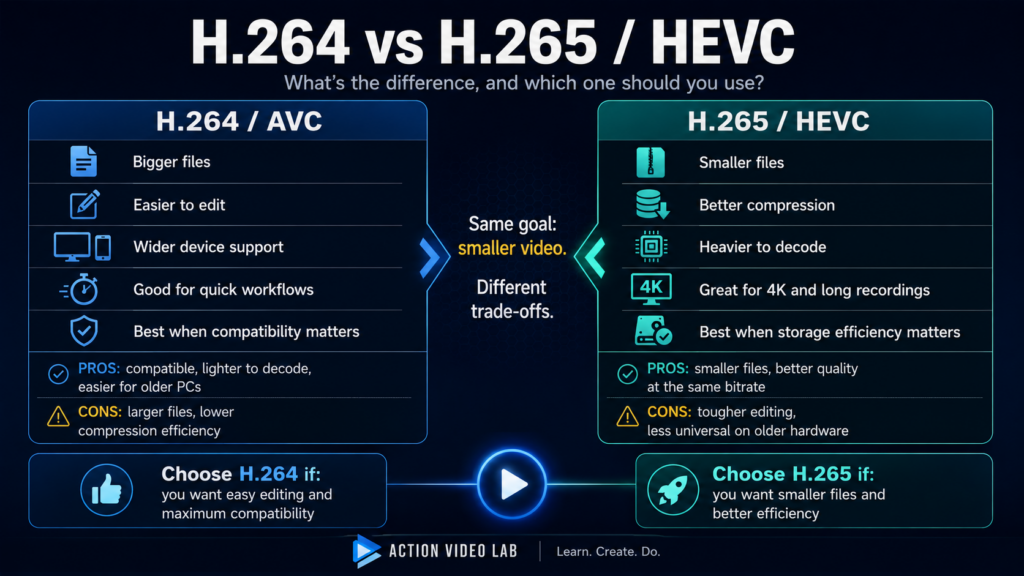
H.264 vs H.265/HEVC: What’s the Difference and Which Should You Use?
H.264 vs H.265 explained in plain English: quality, file size, editing performance, compatibility, 4K, hardware support, pros, cons and which codec to choose.
Read analysis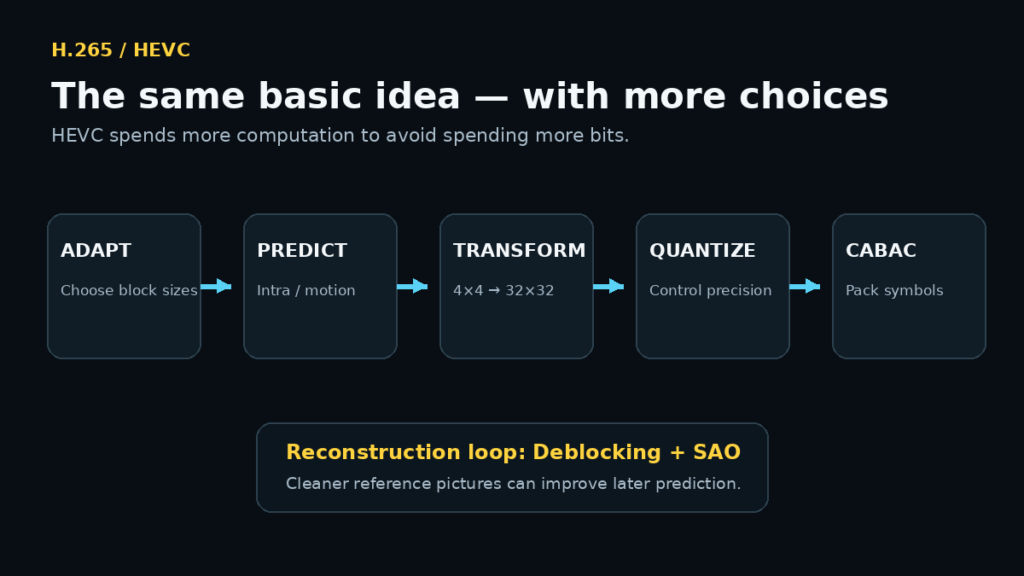
How H.265/HEVC Actually Works: Why It Makes Smaller Video Files
A plain-English guide to H.265/HEVC: CTUs, quadtree partitioning, 35 intra modes, transforms, CABAC, bitrate efficiency and editing performance.
Read analysis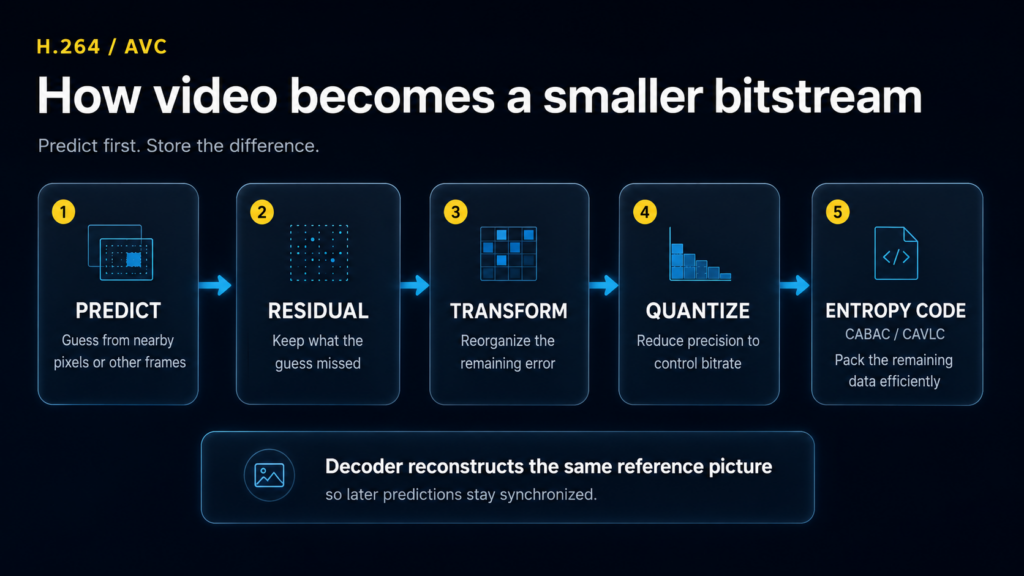
How H.264 Actually Works: Video Compression Explained Without the Math
H.264 explained in plain English: blocks, motion vectors, prediction, residuals, transforms, quantization, CABAC and what all of it means when you edit video.
Read analysis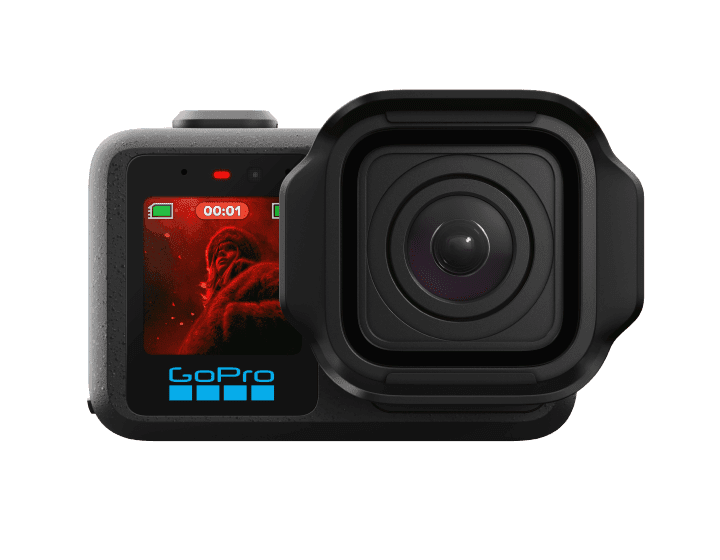
GoPro vs DJI vs Insta360 Codecs: H.264, H.265/HEVC, Bitrate and 10-Bit Explained
H.264 vs H.265 explained for GoPro, DJI and Insta360. Learn MP4 vs codec, bitrate, 10-bit color, file size, editing speed, hardware decoding and proxies.
Read analysis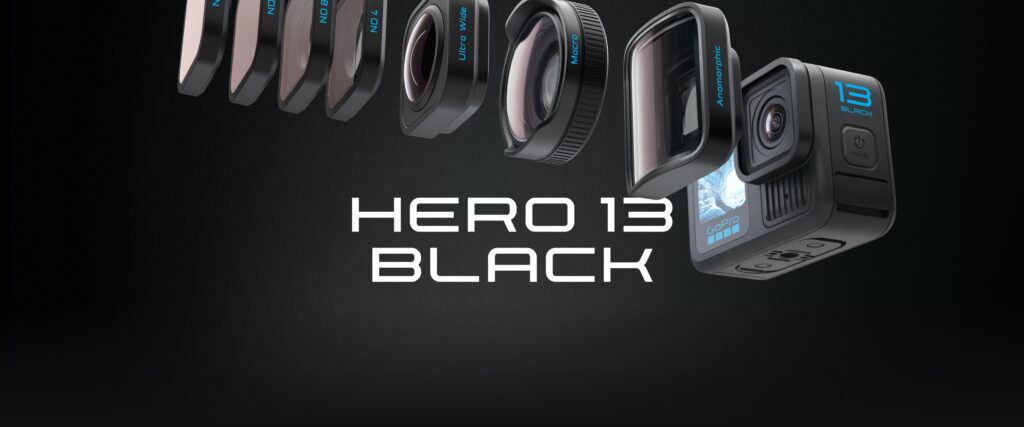
GoPro vs Insta360 vs DJI HDR: Which Looks Most Natural?
Our field-test verdict on GoPro HERO13, Insta360 X5 and DJI Action 5 Pro HDR. See which looks most natural, which feels processed, and how…
Read analysis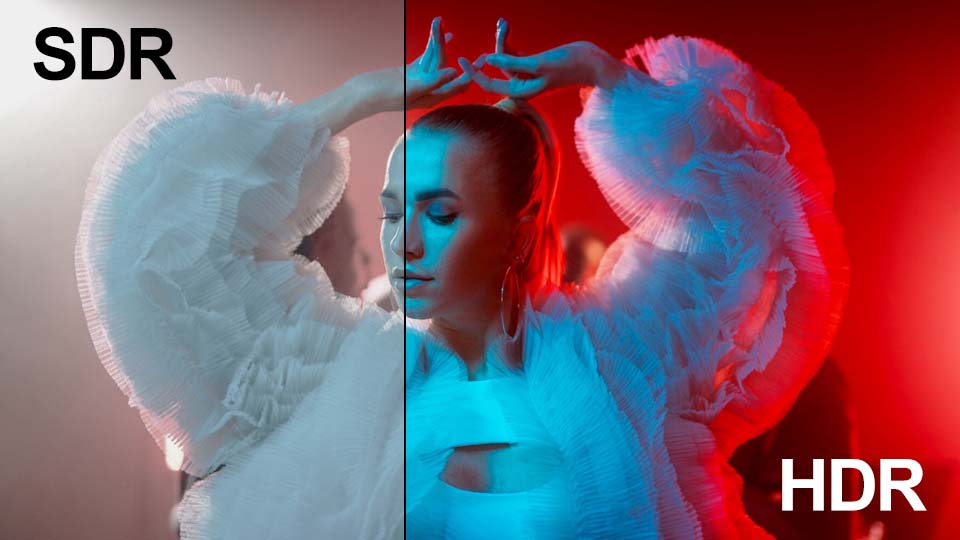
HDR to SDR: How to Tone Map GoPro, DJI and Insta360 Video
Convert GoPro, DJI and Insta360 HDR, HLG and Log footage to SDR on Windows. Learn tone mapping, peak luminance, color profiles and a fast…
Read analysisSpecifications tell us what a camera can do. Footage tells us how it behaves.
We separate manufacturer specifications from our editorial test conclusions. When we say one HDR rendering looks more natural or one workflow feels faster, we identify it as our test result—not as a universal laboratory fact.
Bring the difficult file.
Camera model, recording mode, codec, firmware, editor version, telemetry source and what went wrong. Specific problems produce useful answers.